To repair an installation of Onboard using the Windows Control Panel:
1. Launch the Control Panel.
The Control Panel dialog box is displayed.
2. Select Program and Features.
The Programs and Features category is displayed.
3. Select the instance of CARIS Onboard <version> you wish to repair.
4. Click the Repair button at the top of the screen.
OR
Right-click and click the Repair option.
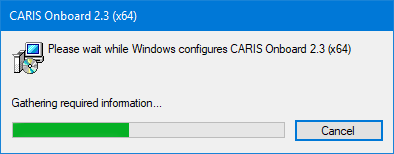
The following progress dialog box is displayed.
Wait while the application is repaired. This process may take several minutes. This step is performed without any user interaction, and will close when finished.
The repair is complete and the application can be started as usual.