Menu | File > Import > Rebuild HIPS File |
If you cannot find a *.HIPS or a *.HPF file for data:
1. Select the Rebuild HIPS File command.
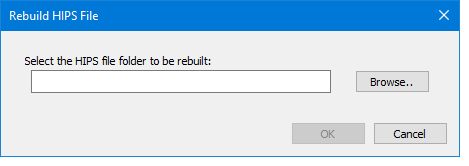
The Rebuild HIPS dialog box is displayed.
2. In the dialog box, click Browse.
3. In the Browse for Folder dialog box, navigate to the folder containing your data.
4. Select the folder and click OK.
The path will be displayed in the Rebuild HIPS File dialog box.
5. Click OK.
The *.HIPS file will be created in the folder you selected.