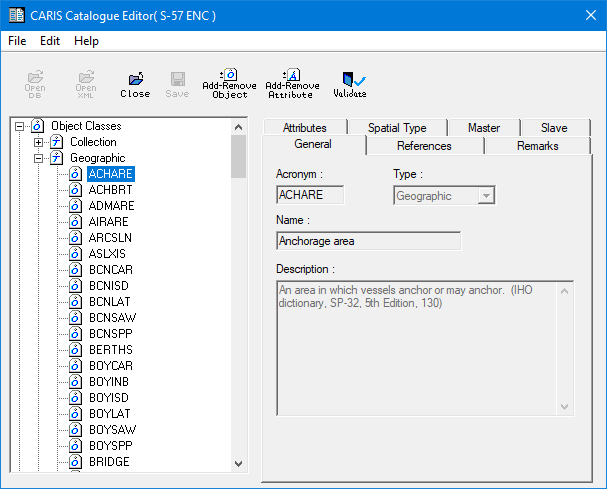
You can use the Catalogue Editor to edit existing objects:
• add and remove attributes
• change spatial type
• establish master-slave relationships.
To access editing commands, expand the list so that all the objects you want to edit are displayed under the Object Classes branch.
1. Select the object to be edited.
Information about the object is displayed in tabs on the right.
The General, References, and Remarks tabs contain read-only fields. The Attributes, Spatial Type, Master, and Slave tabs contain fields that can be modified.