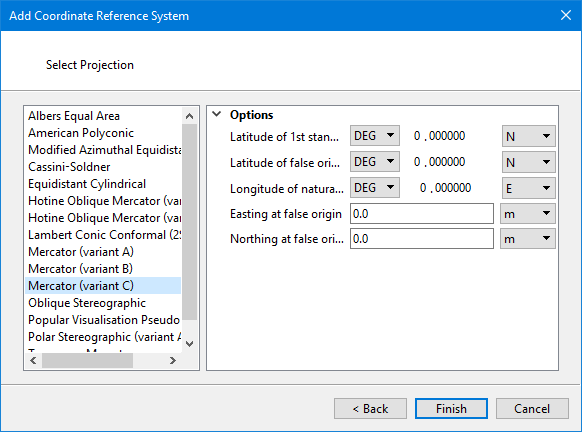
Pick a projection and set its options as needed.
Interface
Available projections are listed on the left. Options of the selected projection are listed on the right.
Select items such as units or direction by clicking on the down-arrow and selecting a value from the list.
Type values in the box.
Procedure
1. Select a projection from the list.
The options are displayed on the right.
2. Modify any necessary options.
3. Click Finish.
The modified coordinate reference system is saved. It will be displayed on the Custom tab with the name coordinate reference system plus projection plus (variant).