If you selected the Network license type in the License Setup wizard, the Server step is displayed.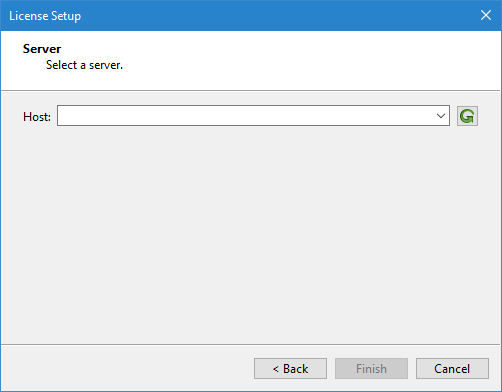
If you selected the Network license type in the License Setup wizard, the Server step is displayed.
In this step, the Host field provides a drop-down list of any servers on your network that are configured with a network license for Teledyne CARIS applications. The client computer must be connected to the network using a wired connection in order for the list to be populated. If using a wireless connection, the list will be blank and the host name for the server computer must be typed into the space manually.
If your machine is not connected to a network, please contact Teledyne CARIS customer support for assistance in setting up an offline network license. |
The Refresh button is used to update the list of available servers if the license for the server was activated after this dialog box was launched.
1. Expand the Host drop-down list and select a server.
2. Click Finish.
The application is now connected to the license server and the application will launch.