Menu | Edit > Change > SCAMIN Values |
Compose can calculate SCAMIN (minimum scale for portrayal) values for sounding and non-sounding features.
SCAMIN can be applied using two methods:
• scale factor method
• step method that is based on the S-65 standard for ENC consistency
SCAMIN is not applied to Group 1 features. |
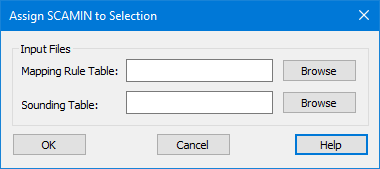
SCAMIN values are contained in specific files. The Assign SCAMIN to Selection dialog box is used to choose the files that contain the values you want to apply.
The files used for calculating SCAMIN can be modified to meet your needs. The following sections examine the structure of the files and how they are used to apply SCAMIN values to sounding and non-sounding features.