Menu | Tools > Editors > Side Scan > Measure Distance |
Tool |
|
Menu | Tools > Editors > Side Scan > Measure Distance |
Tool |
|
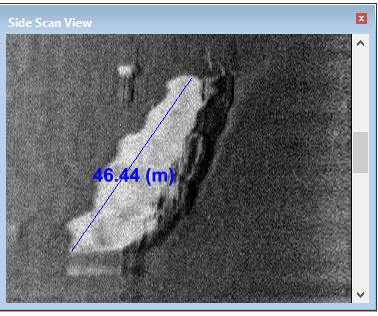
This tool enables you to measure distance between two points with the mouse. This feature is used in processed mode in the Side Scan View window.
Distance units are determined by the settings in the Display Units tab of the Tools >Options dialog box.
Procedure
1. Make sure the side scan display is in processed mode.
1. From the Side Scan Editor toolbar, select the Measure Distance tool.
2. Press and hold the mouse button.
The cursor will change to a ruler icon. 
3. Click and drag the cursor across the waterfall display.
As you drag the cursor across the data, the distance is displayed.