To run a Teledyne CARIS application, the application must have an activated license associated with it. For users that are not connected to the internet, license activation must be performed from a license file generated by Teledyne CARIS Customer Support. These files are generated uniquely for each client.
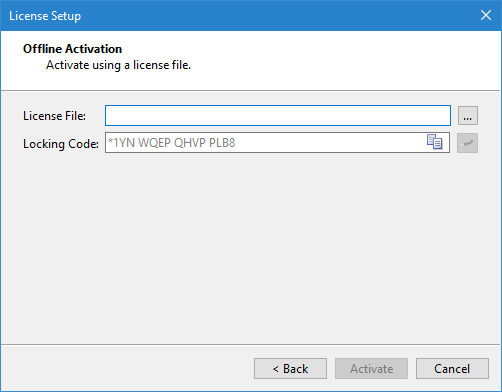
To activate a license, you must have the Locking Code from the License Setup wizard of the application. This is accessible only from the client machine on which the application is installed and is found in the Offline Activation step of the wizard, as seen below.
1. Click the Copy Locking Code button to copy the code to the Windows Clipboard.
2. Provide this code to a Teledyne CARIS Customer Support personnel. You will be provided with a license file in return.
3. In the License Setup wizard, click the browse button (...) for the License File field.
4. Navigate to the location of the license file and click Open.
5. Click Activate.
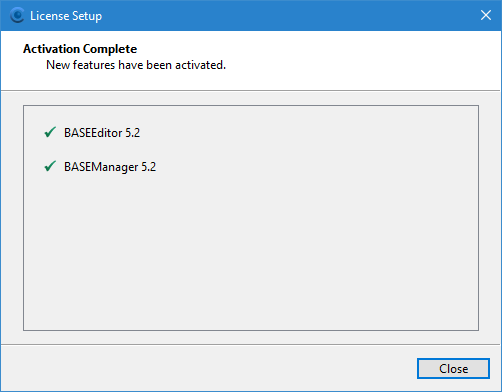
The license is applied to the application and a dialog box is displayed identifying the modules included in the license.