Menu | Edit > Active Sensors |
Tool |
|
To add or remove sensors from the list of active sensors:
1. Select the Active Sensors command.
Menu | Edit > Active Sensors |
Tool |
|
The Active Sensors dialog box is displayed.
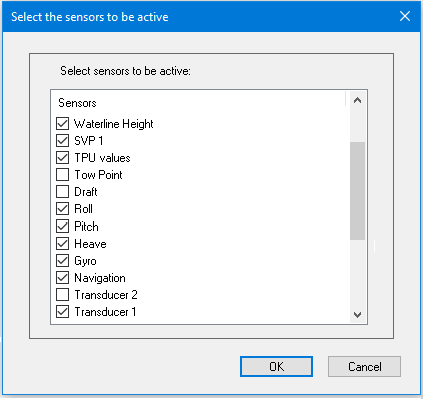
If a box is checked, the sensor is included in the vessel file and displayed in the Editor table.
2. Check or clear the sensor check boxes as required.
3. Click OK.
The list is refreshed to show the selected active sensors.
