To repair an installation of Onboard using the installation files:
1. Select the drive with the installation files (for example, D:\).
2. Double-click the setup.exe file that was used to install the application.
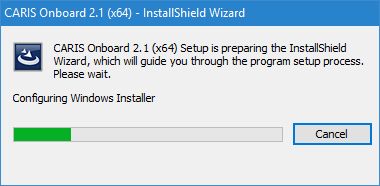
The InstallShield Wizard dialog box is displayed.
This step is performed without any user interaction, and will close when finished, at which time the Program Maintenance dialog box is displayed.
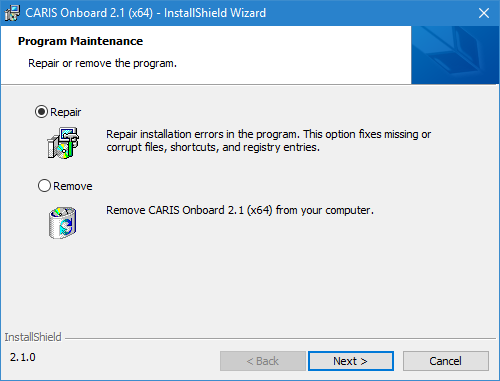
From the Program Maintenance dialog box you can either repair the installation or remove the application from your machine. For information on removing the application, see Uninstalling the Application.
3. Select Repair.
4. Click Next.
A message is displayed asking you to confirm that you wish to reinstall the application to repair any problems.
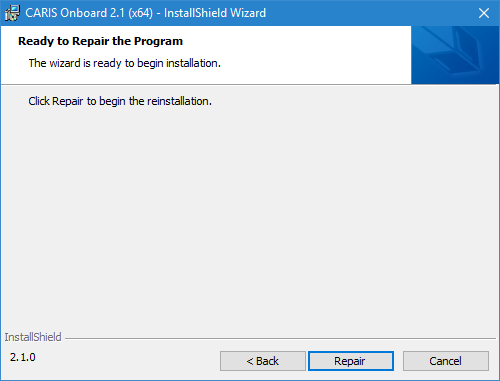
5. Click Repair.
The repair process begins and a progress bar is displayed.
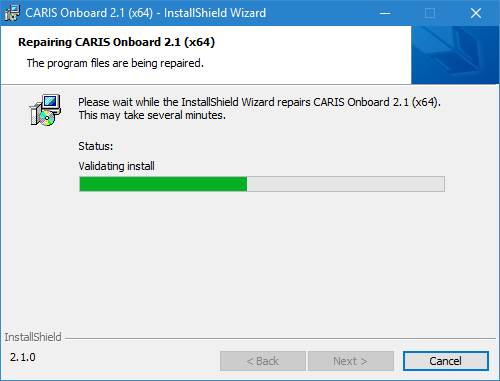
This process will overwrite the files that were installed for the application. Any files that have been customized for your installation will be retained so as not to lose your settings. Local app settings in %appdata% are preserved.
When finished, the following dialog box will be displayed.
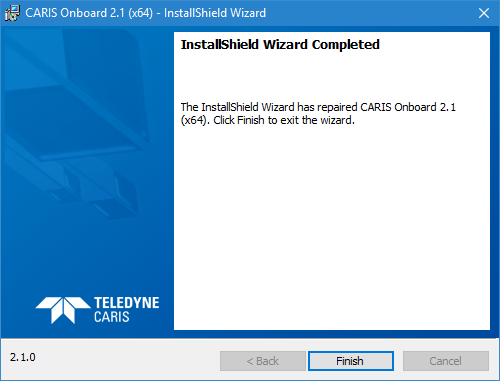
6. Click Finish to close the wizard and complete the repair.