To uninstall CARIS Onboard using the Control Panel:
1. Launch the Control Panel.
2. Select the Programs and Features category.
3. In the list of installed programs, select CARIS Onboard.
4. Click Uninstall.
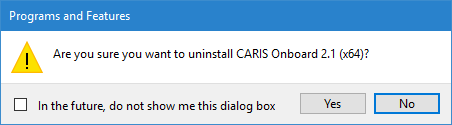
A message is displayed asking you to confirm that you want to uninstall Onboard.
5. Click Yes to continue with the uninstallation.
A progress bar dialog box is displayed and the uninstallation is started.
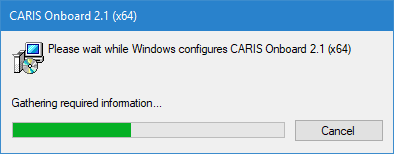
When this dialog box closes, the uninstallation is complete and Onboard is removed from the computer.