To access the service, open the Windows Services panel and find the service called CARIS Onboard.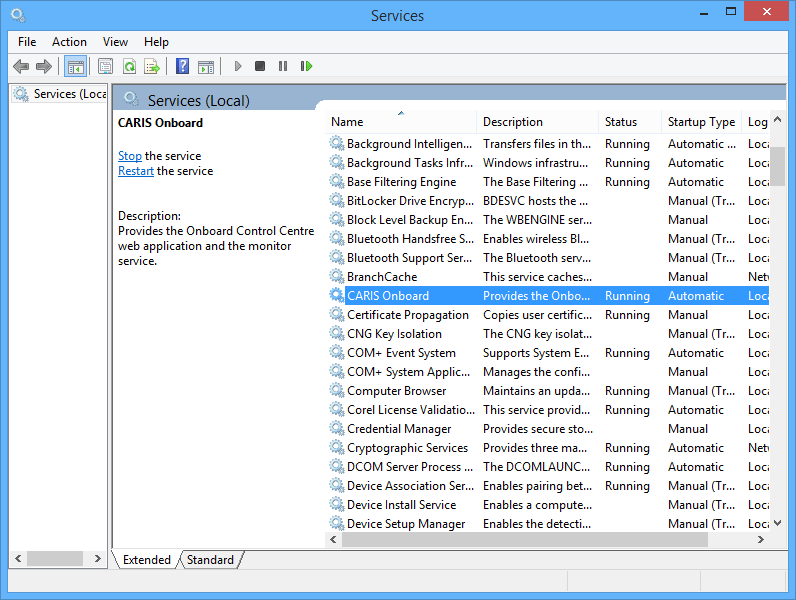
Onboard runs as a Windows Service, and is automatically started after installation. The service controls the Control Centre web dashboard.
To access the service, open the Windows Services panel and find the service called CARIS Onboard.
The service can be started and stopped from this window. Select the CARIS Onboard service in the list, then click the appropriate link on the left side (or right-click for other options).
The Control Centre can only be accessed when the service is running. |
You should only stop the service manually if the output HIPS project and product files need to be moved or system files need to be altered.