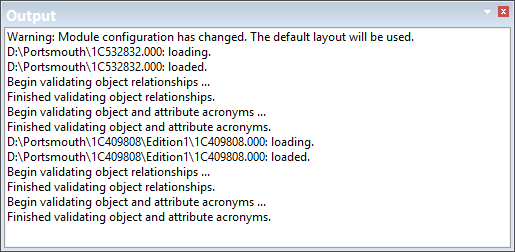
The Output window shows the results of various commands. When a command is run, you can check the Output window to see if there were any errors or if the process was successful.
Right-click the window to access the pop-up menu:
• Copy Selected: Copy any selected text in the window to the clipboard. You can also use <Ctrl+C>.
• Save All: Save the entire contents of the window to a text file.
• Clear: Clear the current contents of the window. This will make new messages easier to find.
• Find: Find any word or phrase in the Output window.