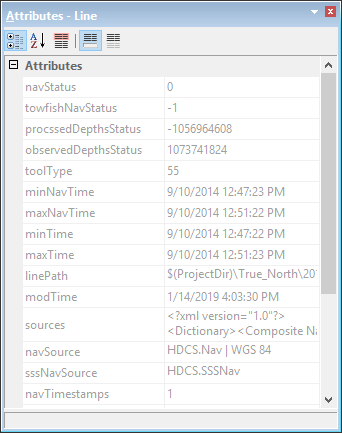
The Attributes window displays attribute information for a single feature superselected in the Display window. If the Feature Editing module is enabled, the values in this window can be changed when the Edit Feature command is enabled.
Column | Description |
Attribute name or acronym | The name, acronym, or both of the attribute. You can change what is displayed in this column using the Attributes options in the Display > General category in Tools > Options. |
Attribute value | The value assigned to the attribute. If the cell is blank, no value is assigned. If the value is red, it is mandatory but has not been defined. If it is green, it is mandatory and defined. If it is yellow, it is dependent on the value of another attribute. You can display the value as a name or a number using the Attributes options in Options. |
Any units in the Attributes window are set by the Units category of Tools > Options.