The existing datum, ellipsoid and reference system entries in the database are read-only. Each entry has a unique name and numerical identifier. User-defined entries can also be added to the database using the Editor.
Interface
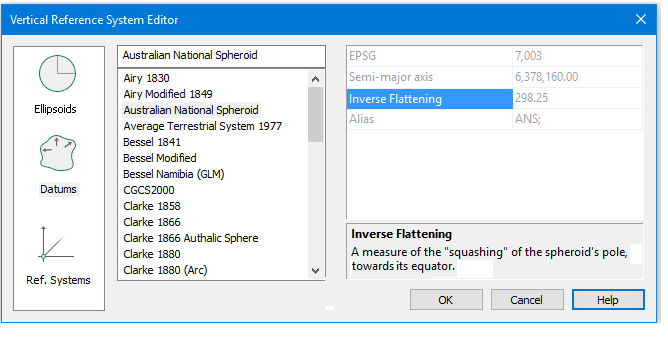
The Vertical Reference System Editor displays the reference systems and their properties.
The leftmost column lists the types of coordinate system elements for which you can view properties.
1. Select the category of data you want to view, for example, Datums.
This will activate the listing of all the entries for that category.
To view the properties of a specific entry,
2. Select an item from the list. (The example above shows the Australian National Spheroid datum selected.)
The properties for the selected datum (or ellipsoid or vertical reference system) are displayed in the pane on the right. A brief description of the each property field is displayed in the Description panel. In the example illustrated above, the content of the Inverse Flattening field is described.
The first property field contains the EPSG code number that identifies the selected datum, ellipsoid or reference system. |
Related commands: