Menu | Tools > Editors > Vessel |
Tool |
|
Menu | Tools > Editors > Vessel |
Tool |
|
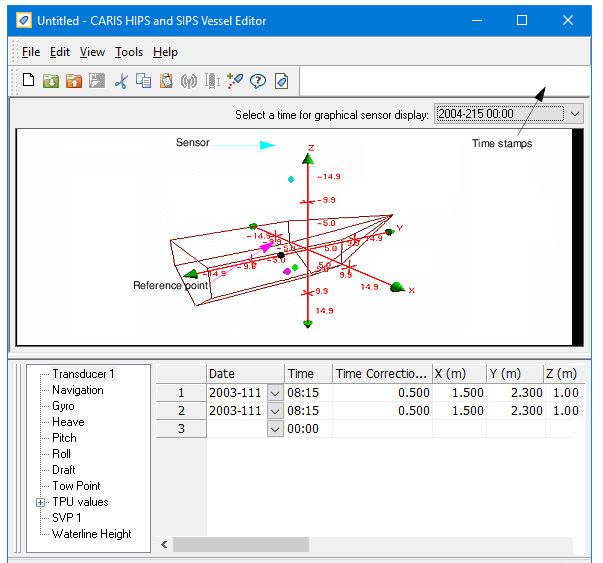
Use Vessel Editor to create HIPS vessel files, and to edit sensor offsets and uncertainty estimates in those files. Vessel Editor is launched from the HIPS and SIPS interface.
The image below displays a vessel file and a vessel outline in Vessel Editor.
Procedure
1. Select the Vessel Editor command.
Vessel Editor is displayed.
For information on creating a Vessel file and other Vessel Editor functions, press F1 within Vessel Editor. |
