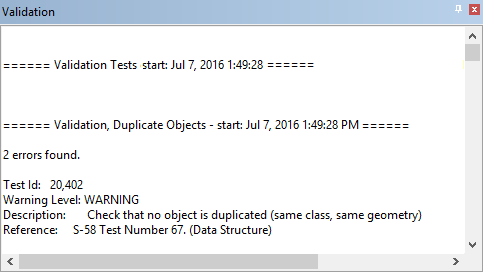
The Validation window shows the output from validation and quality control tests.
Errors detected during validation or quality control tests are listed in the window along with links to associated features. Clicking a link selects the feature. The area where the error is located can be accessed by clicking Zoom or Highlight links.
If the Validation window is not visible, display it using the Display Validation Window command.
Menu | View > Windows > Validation |
For more information, see Validation.