In the first step of the setup wizard, you must select the type of license that will be used. 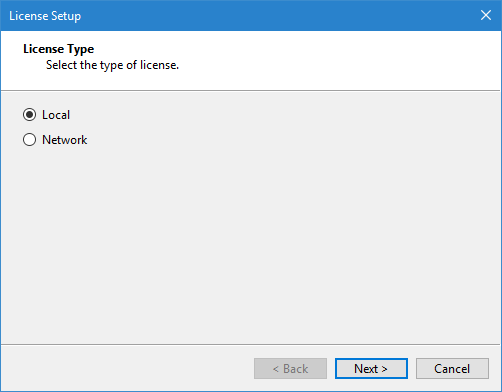
To run a Teledyne CARIS application, a license must be activated and associated with each installation. The first time an application is run, a wizard is automatically launched to set up the license that will be used.
Teledyne CARIS applications support both local and network licenses. A local license is specific to the single computer on which it is activated, while a network license can be used by any machine connected to a license server with licenses available.
In the first step of the setup wizard, you must select the type of license that will be used.
1. Select the license type.
2. Click Next.
Go to Local License for information on a Local license. Go to Network License for information on a Network license.