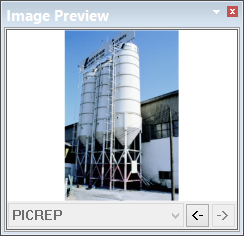
Preview images that are associated with feature attributes.
To view images:
1. Display the Image Preview window.
2. Superselect a feature.
If the superselected feature has any feature attributes that are associated with any images, one image is displayed.
The feature attribute associated with the image is displayed at the bottom of the window. If more than one feature attribute has associated images, the down arrow becomes active and you can select attributes from the list.
If more than one image is associated with a feature attribute, click the left and right arrows to display each image in turn.