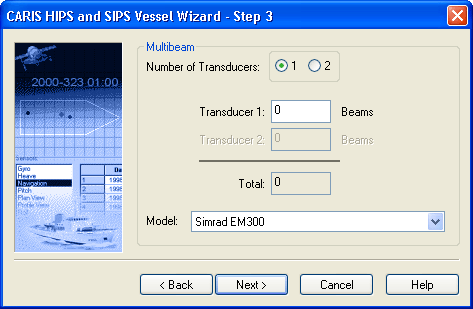
If you selected Multibeam in the Step 2 dialog box, Step 3 will ask you for information on the sonar model and number of transducers.
1. Select the appropriate check box to indicate that one or two transducers were used in the survey.
2. Enter the number of beams in each transducer.
3. Select the sonar model from the drop-down list.
4. Click Next.
Continue with Motion Sensors.