Menu | Tools > Editors > Side Scan > Open |
Tool |
|
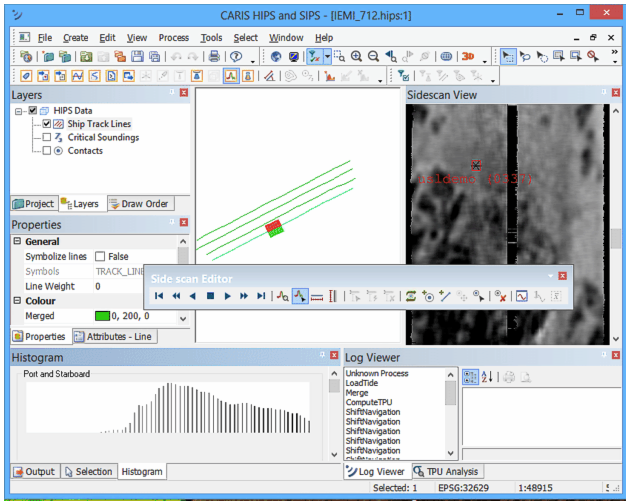
Side Scan Editor consists of the Side Scan View window (waterfall view), a Side Scan Editor toolbar and various controls in the Properties window.
As well, when contacts are selected, the Image Preview and Attributes windows can be opened to view aspects of the contacts.
To open Side Scan Editor:
1. Select a towfish track line in the HIPS and SIPS Display window.
2. Select a Side Scan Editor command.
Menu | Tools > Editors > Side Scan > Open |
Tool |
|
When Side Scan Editor is opened, the data for the selected track line is displayed in the Side Scan View window.
As well, a histogram of the sonar file is displayed in the Histogram window, and the Side Scan toolbar is activated.