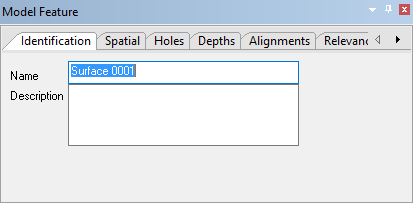
Menu | Window > Other Windows > Model Feature |
Pop-up | Model Feature (Status Bar) |
The Model Feature window is used to define the various settings of reference model features. Different tabs are provided in the window based on the type of feature selected. For example, when a reference model surface is selected, there are 6 tabs provided for defining things like the depth values of the points that make up the surface, the order of the points and any holes in the surface.