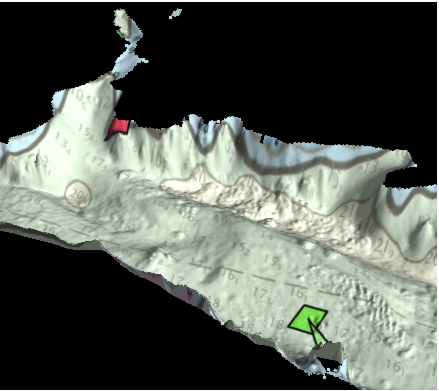
Data can be draped over other data to better view the details of the data. In the 2D view, a raster image can be draped over a raster dataset. In the 3D View, both raster images and vector data can be draped over a raster dataset. The properties and procedure used for draping differ depending on the data formats.
Draping Images
To drape raster images over raster data:
1. Click the check box of a raster data layer in the Layers window.
2. Click the check box of an image layer in the Layers window.
3. Select the raster data layer in the Layers window.
4. Select the Drape property in the Properties window and select the relevant image layer from the drop-down list.
The image is draped over the data.
To remove the draped layer:
1. Select the Drape property again and select (None) from the drop-down list.