Menu | Tools > Editors > Single Beam |
Tool |
|
Pop-up | Editors > Single Beam Editor (in Project window) |
Menu | Tools > Editors > Single Beam |
Tool |
|
Pop-up | Editors > Single Beam Editor (in Project window) |
To open the Single Beam Editor:
1. Select a survey line in the Display window.
2. Select the Single Beam Editor command.
The Single Beam Editor is opened in the HIPS interface.
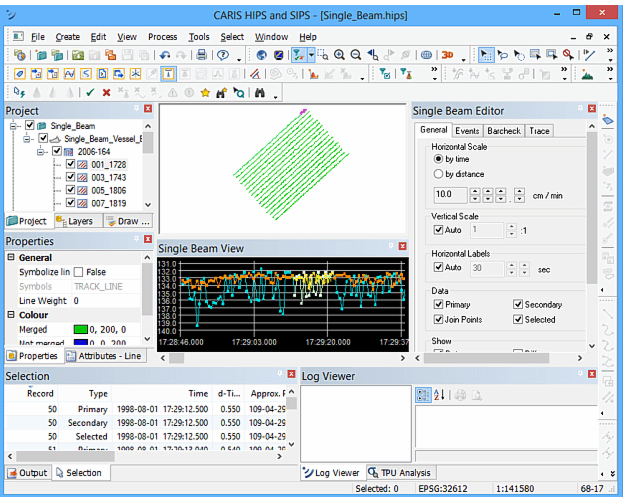
See Single Beam Editor in the HIPS and SIPS Editors section.
