Menu | Tools > Measure Distance |
Tool |
|
Menu | Tools > Measure Distance |
Tool |
|
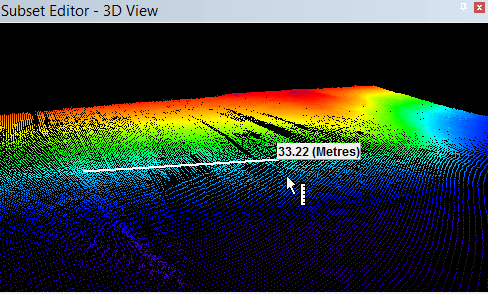
The Measure Distance tool in the Subset Editor 2D and 3D Views can be used to evaluate data problems, such as timing offsets, heave problems, etc. In 3D View the tool will measure along the X and Y planes, but not Z.
Procedure
1. Select the Measure Distance command.
A ruler icon is displayed next to the cursor.
2. Press and hold the mouse button at one point of the distance you are measuring.
3. Drag the cursor along the image toward the end point of the distance.
As you drag the cursor across the view, a line is drawn, and the distance between the two points is shown in a tool tip. This is updated as the line is drawn.
To stop measuring:
4. Release the mouse button.