Menu | Window > Other Windows > Profile |
Pop-up | Profile (Status Bar) |
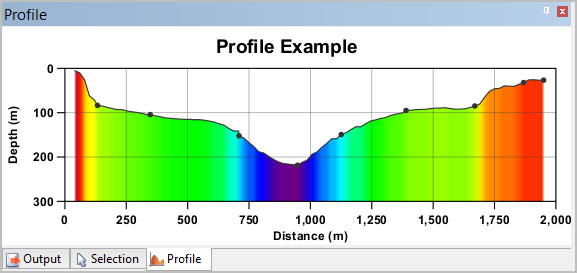
The Profile window is used to display a profile graph to represent an area of bathymetric data. By default, this window is docked with the Output and Selection windows.
You can modify the display by right-clicking in the Profile window and selecting a command from the pop-up menu.
For more information on viewing profile lines and using the Profile window, see Profiles.