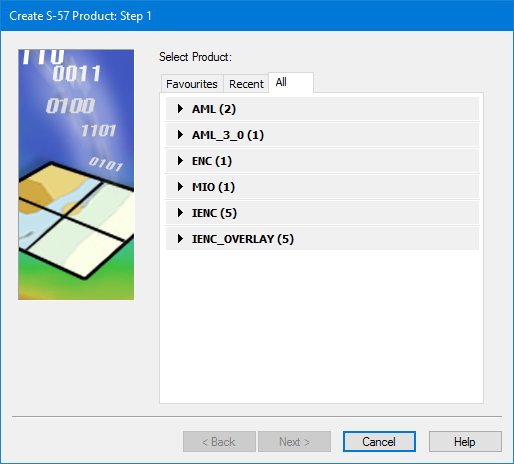
Select the specific S-57 product you want to create. This list will include any custom products you have added to the product information file.
Interface
The Select Product dialog box:
The dialog box contains the following tabs:
• Favourites: Lists products that you have specifically marked as favourites.
• Recent: Lists all recently used products.
• All: Lists all products in the product information file.
To add a product to the Favourites list, click the star ( ) that is displayed when you select the product in one of the other lists.
Hover the cursor over the information symbol ( ) to see a pop-up containing information about the product.
Procedure
1. Choose a product from any of the lists.
2. Click Next.