Pop-up | database connection > Close Source (Layers - Show sources window) |
Close the connection to the currently selected database.
1. Select the Layers -Show soruces window.
2. Right-click on the parent level of the database connection.
3. Select the Close Source command.
The database connection is closed.
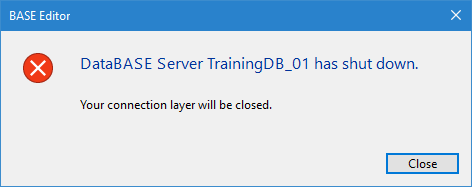
NOTE: If the database connection is lost at any point, not closed, a message will be displayed stating that you are no longer connected. In this situation, the database connection layer will be closed automatically.
This may occur if a database is stopped in the BDB Server Administration Tools or if an error occurs.