The Queries dialog box is displayed.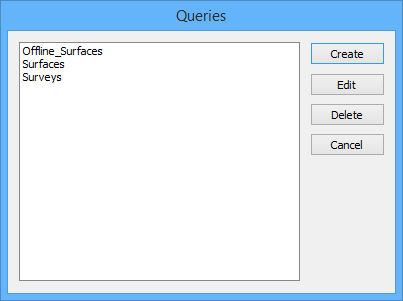
Edit existing database queries.
1. Connect to a database.
2. Select the database layer.
Menu | Database > Queries > Queries |
Pop-up | Queries > Queries |
3. Select the Queries command.
The Queries dialog box is displayed.
4. From the list, select an available query.
Next, choose a command for the selected query.
Create
5. To apply the selected query, click Create.
The selected query is run on the database data. The query layer for the database is displayed in the Layers window.
Edit
6. To edit the selected query, click Edit.
The Database Query dialog box is displayed. For details on how to change the settings available through this dialog box, see Query by Rule Wizard.
Delete
7. To delete the selected query, click Delete.
The selected query is deleted.
Cancel
8. To close the dialog box without making any changes, click Cancel.
The Queries dialog box is closed.