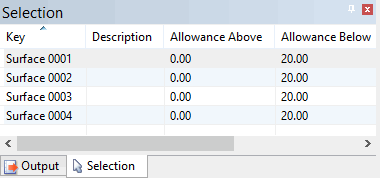
Selected surfaces are listed in the Selection window.
Set the Allowance Below values for all selected surfaces.
1. Select the Surfaces layer for the model in the Layers window.
2. Select one or more surfaces in the Display window.
Selected surfaces are listed in the Selection window.
3. Select the Set Allowances Below Surfaces command.
Menu | Model > Update Features > Set Allowances Below Surfaces |
The Set Allowances Below Surfaces (Z Value) dialog box is displayed.
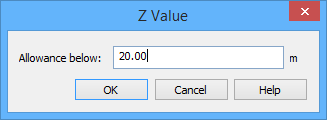
4. Type an Allowance below value.
5. To finish, click OK.
The allowance value is applied to all selected surfaces.