Menu | Model > New Feature > Line > From Existing Points |
Tool |
|
The New Line From Existing Points command is used to create a line from a selection of existing points. Two or more point features must be available to create a line.
1. Select the (New Feature, Line) From Existing Points command.
Menu | Model > New Feature > Line > From Existing Points |
Tool |
|
The New Line dialog box is displayed.
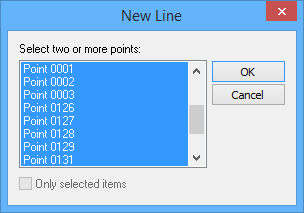
The dialog box displays all points for the currently open reference model.
2. [Optional] Click to enable the Only selected items option to only list points selected in the Display window.
3. Press and hold the <Ctrl> key and then select the points to include in the new line.
4. Click OK.
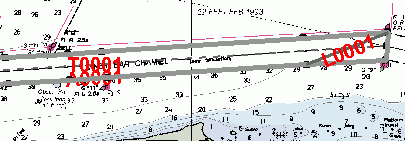
The new line is drawn in the Display window.