HIPS can convert dual head data stored in the Imagenex *.83m format. However, in order to properly process the data, the HIPS Vessel file must be set up as a dual head vessel. As well, if the number of beams normally expected for head #1 is more than 200, set the number larger, for example, to 1000. If you expect head #1 to generate no more than 200 beams, set the beam number in the HVF to 200. |
Navigation data can be imported from an external *.NAV file with the same name as the Imagenex *.83p file. If the HIPS converter detects that a *.NAV file exists, it will import navigation and GPS height data from the GPS strings in the *.NAV file. In this case the stored navigation data in the *.83p file is not converted.
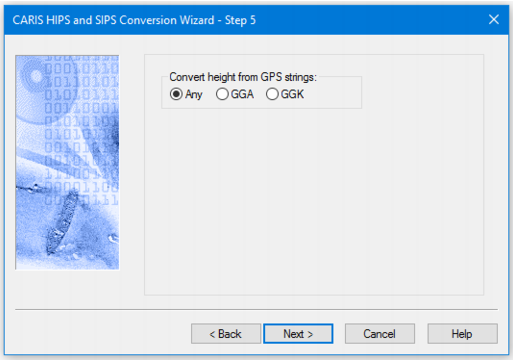
You can set the converter to read either the GGK or the GGA string, or have either read automatically by selecting the Any option. (These controls are only applied if there is an *.NAV file with the same name as the *.83p file.)
Interface
Options for converting Imagenex data to HIPS are displayed in this dialog box.
Procedure
1. Select the source of GPS height.
2. “Any” is the default. If this is et, and both kinds of strings are detected both will be converted,