GeoAcoustics RDF format, as stored in *.rdf files, stores interferometric swath sonar data.
Interface
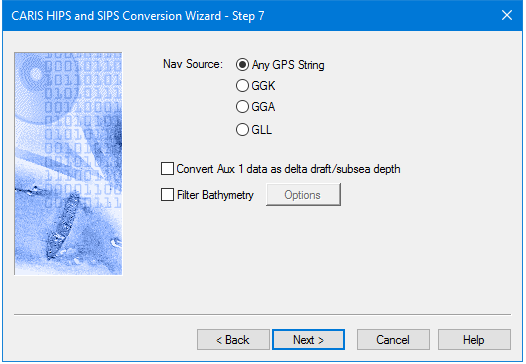
Options for converting GeoAcoustics RDF data to HIPS are displayed in this dialog box:
Procedure
1. Select which navigation data string to use as source data. The default setting is Any which will convert any available.
2. Click the Filter Bathymetry check box to enable filtering options. Click Options to open the Bathymetric Filtering Options dialog box. See Bathymetry Filtering Options
3. Click Next to continue conversion process.