The first 100 lines of the file will be displayed by default. Use the scroll bar to see all the lines in the preview.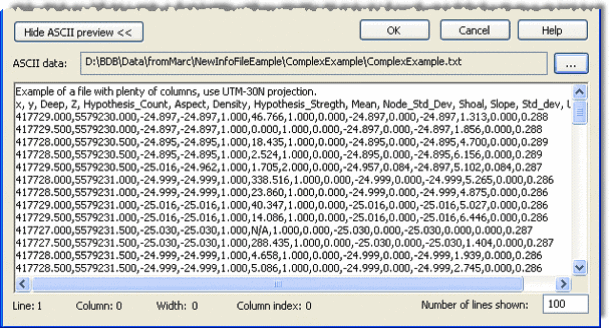
2. Click the Browse button (...) in the ASCII data field to navigate to the ASCII file.
The first 100 lines of the file will be displayed by default. Use the scroll bar to see all the lines in the preview.
To display a smaller set of lines from a large file: