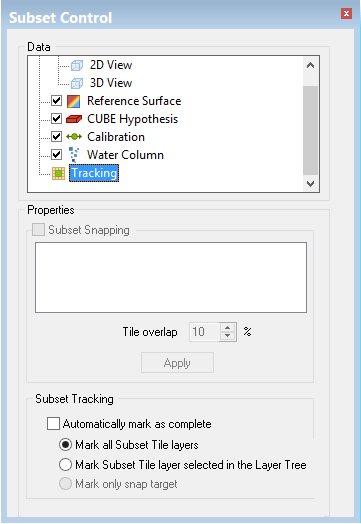
1. Select the Tracking layer in the Subset Control window.
The window is refreshed to display the tracking options.
Activate the Subset Snapping check box so that the subset bounding box encloses entire tiles.