The superselected range of pings is highlighted, and in the waterfall view, a rectangle is displayed containing the range of pings.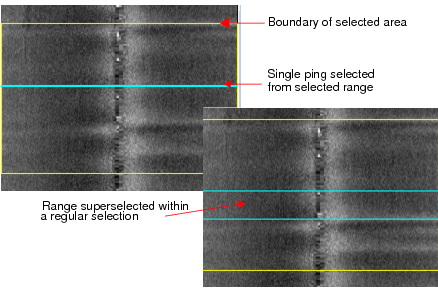
2. Press and hold the Shift key, and in the Selection window, click in the first row of the range and then in the last row of the range you want to select. Release the Shift key.
The superselected range of pings is highlighted, and in the waterfall view, a rectangle is displayed containing the range of pings.
Holding down the Ctrl key while selecting rows in the Selection window will display the individual pings as blue lines in the View window.