2. Press the mouse button and drag the cursor across the area that you want to select.
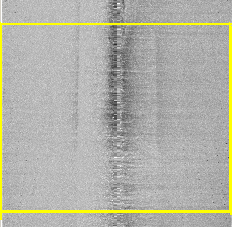
The selected range is shown bounded with a rectangular yellow box:
This range will remain selected until you click outside the range.
Details of data selected in the View can be seen using the Query command.