Menu | Tools > Editors > Side Scan > Open |
Tool |
|
Menu | Tools > Editors > Side Scan > Open |
Tool |
|
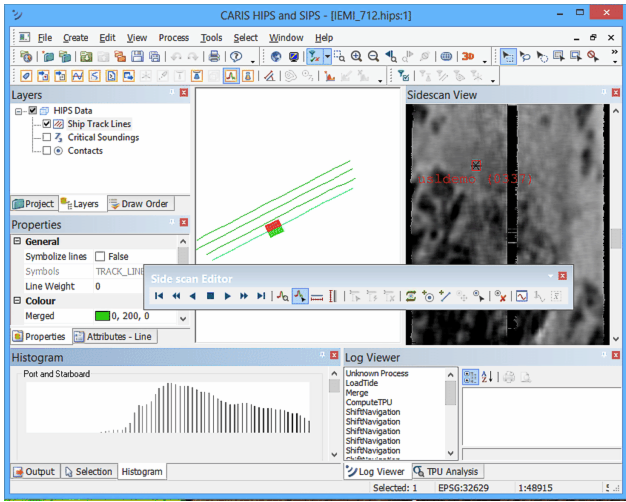
When Side Scan Editor is opened, the data for the selected track line is displayed in the Side Scan View window.
As well, a histogram of the sonar file is displayed in the Histogram window, and the Side Scan toolbar is activated.