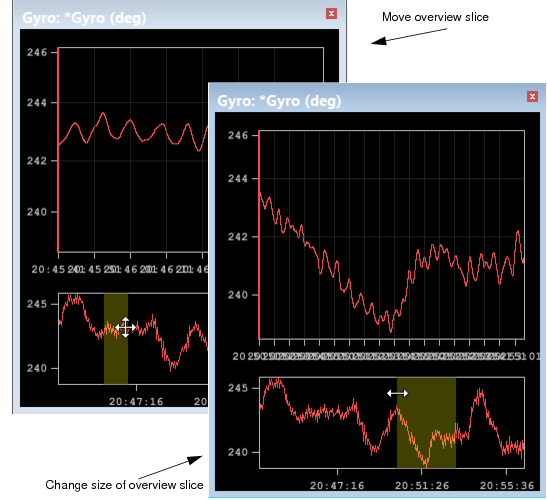
1. Click in the overview slice and drag it right or left to the new position.
As the slice moves, so does the related data. All the open sensor graphs are synchronized so moving the slice in one moves along and highlights the data in all the other graphs.
Resizing the slice control changes how much of the data is shown in the graph window. The wider the slice is, the denser the data is in the display. Making the slice narrower spreads the data out, as in the example below.
To resize the overview slice: