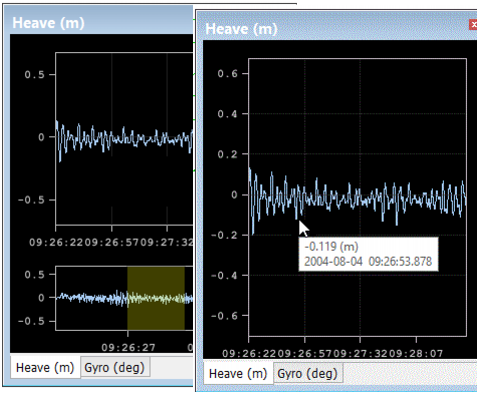
HIPS and SIPS Module : HIPS and SIPS Editors : Attitude Editor : Sensor graph windows : 1. Right-click on the graph window, and select Hide Overview from the pop-up menu. : 1. Right-click on the graph window, and select Hide Overview from the pop-up menu.
 

1. Right-click on the graph window, and select Hide Overview from the pop-up menu.

The overview is hidden, as in the example below.