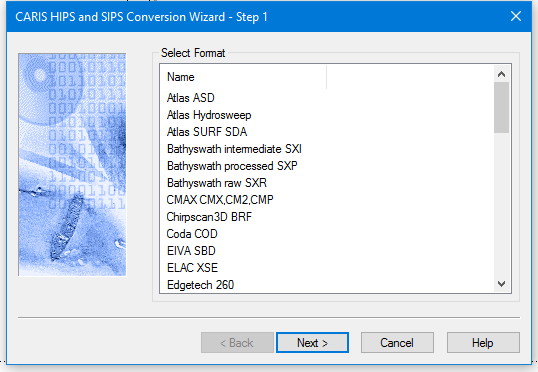
The Step 1 dialog box lists the data acquisition systems for which data can be converted to HIPS and SIPS files. (This list is created dynamically from all format libraries with the name convert_*.dll in the Hips\Bin directory.)
See Data formats that can be converted to HIPS and SIPS.
Interface
The Step 1 dialog box lists the data formats that can be converted to HIPS.
Procedure
1. Select the survey data type to be converted by clicking the appropriate name.
2. Click Next.