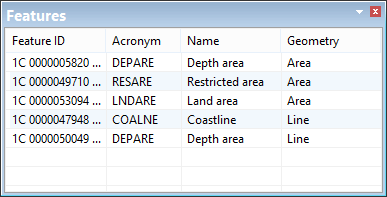
The Features window lists all features that share a spatial component with a selected feature.
1. Superselect a feature.
2. In the Components window, select an edge.
All features that share any spatial values with the selected edge are displayed in the Features window.
You can modify the selection using the Features window.
1. Do one of the following:
• Select a single feature.
• Select multiple features using <Ctrl+click> or <Shift+click>.
To add the selected features to the current selection:
2. Right-click and select Add to Selection from the pop-up menu.
To replace the current selection with the selected features:
3. Right-click and select Create Selection from the pop-up menu.