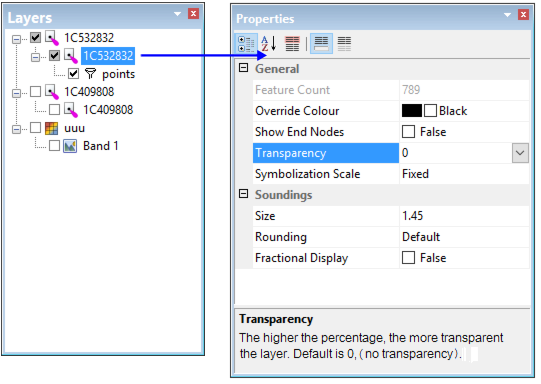
The Properties window contains information and display settings for a layer or band. Properties that can be changed are black. Read-only information is grey.
When a layer is selected, properties that can be applied to the layer are displayed.
Each layer type has its own properties and different properties are provided for different data formats. A brief description of each property can be seen in the field at the bottom of the Properties window. (You may need to expand this field to view the entire description.)
Many properties may also be available as options (see Options), which are applied to all layers. Changes to layer properties made in the Properties window will affect only the selected layer and only for the current session (unless a session is saved and reopened).
You can copy or save the contents of the Properties window using the Copy or Copy All commands on the pop-up menu.