S-57 ENC data sometimes contains sounding features that have been grouped into a single entity. When these soundings are imported into a feature layer in BASE Editor, they cannot be used for certain functions, such as creating a TIN, in their current form. To make the soundings functional, they must be returned to individual sounding features. This is accomplished using the Ungroup Soundings command. When soundings are un-grouped, each sounding has the same attributes as before it was grouped.
Procedure: Ungroup All Sounding Groups
1. Select the child layer of the dataset containing the sounding groups.
2. Select the Ungroup All Soundings command.
Menu | Edit > Ungroup Soundings > All |
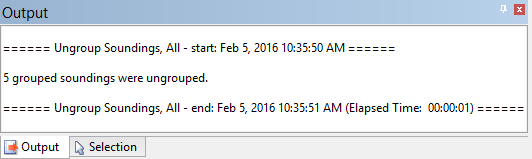
The soundings in all groups can now be selected and computed as individual features. A message is displayed in the Output window stating that all soundings were un-grouped.
Procedure: Ungroup the Selected Sounding Group
1. Select the child layer of the dataset containing the sounding groups.
2. Select a sounding group in the display.
3. Select the Ungroup Soundings command.
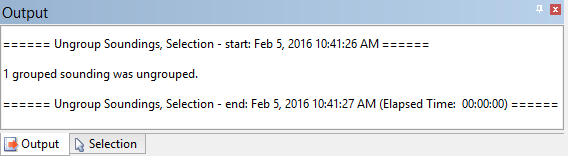
The soundings in the selected group can now be selected and computed as individual features. A message is displayed in the Output window stating that the soundings were un-grouped.