Coda format, as stored in *.cod files, can store side scan data.
Interface
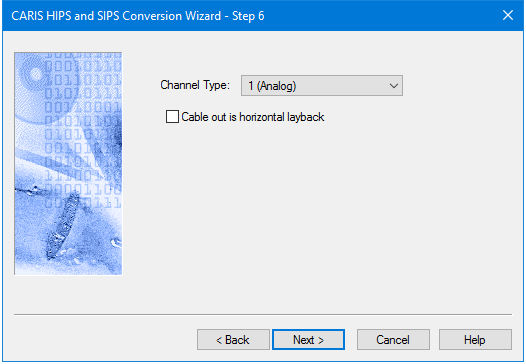
Options for converting Coda data to HIPS are displayed in this dialog box:
Procedure
1. Select Channel type to be converted. The default setting is Analog.
2. Select the check box to set Cable out as horizontal layback and omit the sensor depth. By default this option is not selected.
3. Click Next to continue conversion process.