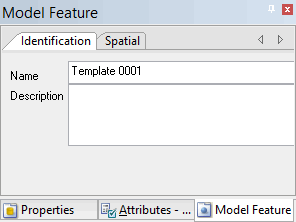
You can add to or remove the surfaces that make up the template in the Model Feature window.
On the Identification tab in the Model Feature window, you can change the name or description of a template at any time. |
To add or remove surfaces, perform the following steps:
1. Select the template you want to modify in the Model window, or superselect the template in the Display window.
The selected template is now the active reference model feature and the Model Feature window is populated with information about the template.
2. Select the Spatial tab in the Model Feature window.
3. Do one of the following:
• Click Add, and select a surface to add to the template.
• Select a surface, and click Remove to remove that surface from the template.