Menu | Tools > Editors > Single Beam |
Tool |
|
Menu | Tools > Editors > Single Beam |
Tool |
|
To open the Single Beam Editor:
1. Select a survey line in the Display window.
2. Select the Single Beam Editor command.
The Single Beam Editor is opened in the HIPS interface.
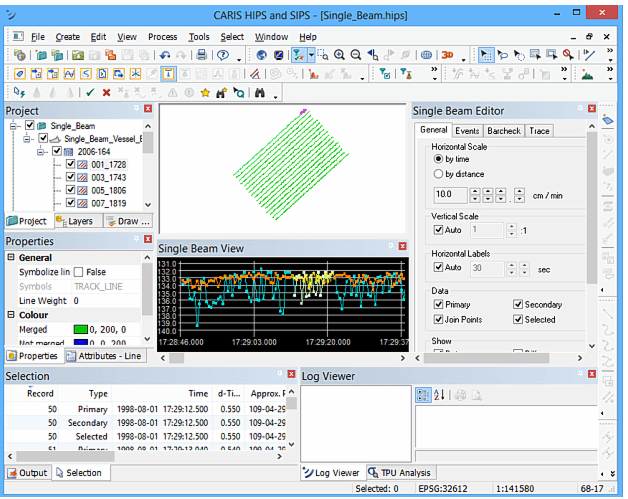
See Single Beam Editor.
