Menu | Tools > Run |
Tool |
|
Menu | Tools > Run |
Tool |
|
The Generic Data Parser Wizard converts data to HIPS format using the configuration you have set or loaded from a GDP (*.par) file.
To open the wizard
1. Open a GDP Configuration File in the Parser.
2. Select the Run command.
The GDP Wizard - Step 1 dialog box is displayed.
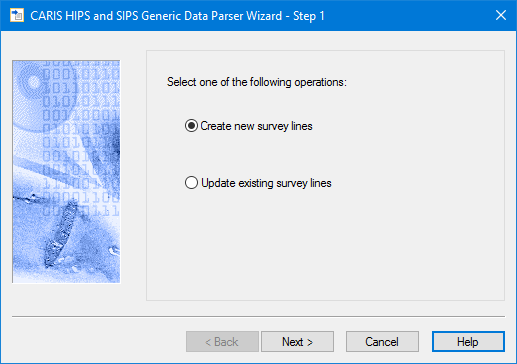
Data can be converted into new or existing lines.
1. Select either:
• Create new survey lines.
• Update existing survey lines.
2. Click Next.
