NOTE: If the database connection is lost at any point, not closed, a message will be displayed stating that you are no longer connected. In this situation, the database connection layer will be closed automatically.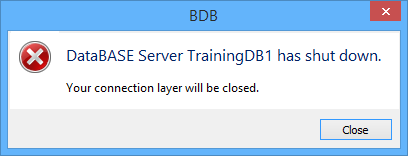
Close the connection to the currently selected database.
1. In the Layers window, right-click on the Database layer.
2. Select the Close command.
Pop-up | Close |
The database connection is closed.
NOTE: If the database connection is lost at any point, not closed, a message will be displayed stating that you are no longer connected. In this situation, the database connection layer will be closed automatically.
This may occur if a database is stopped in the BDB Server Administration Tools or if an error occurs.