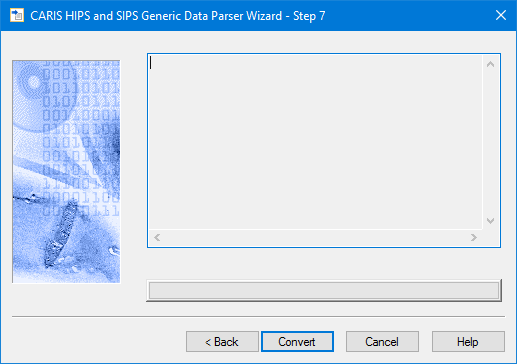
Use this dialog box to convert the data to HIPS/SIPS format using the selected settings.
1. Click the Convert button or click Back to return to the previous dialog box.
A progress indicator bar along the bottom of the box is activated as the files are being converted, and when the process is finished, the results are displayed in the field above.
The HIPS files are saved in the directory you selected at Step 2.
2. Click Restart to convert additional data or to apply different settings to the same data, or
3. Click Finish to close the wizard.